
Product documents
Measurement software, user manuals, command references and brochures. The documents are currently published in Korean; please contact us for an English datasheet.
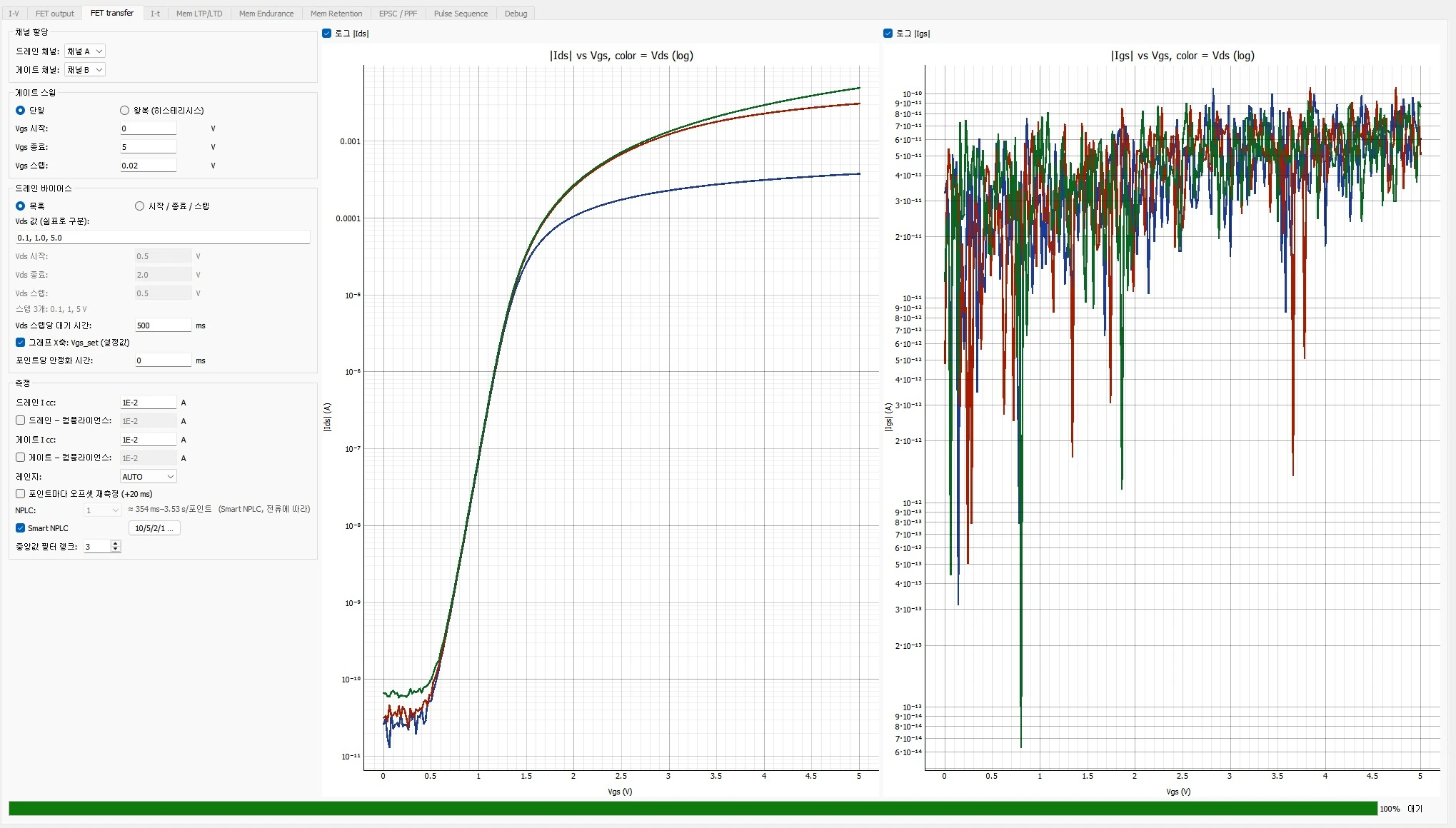
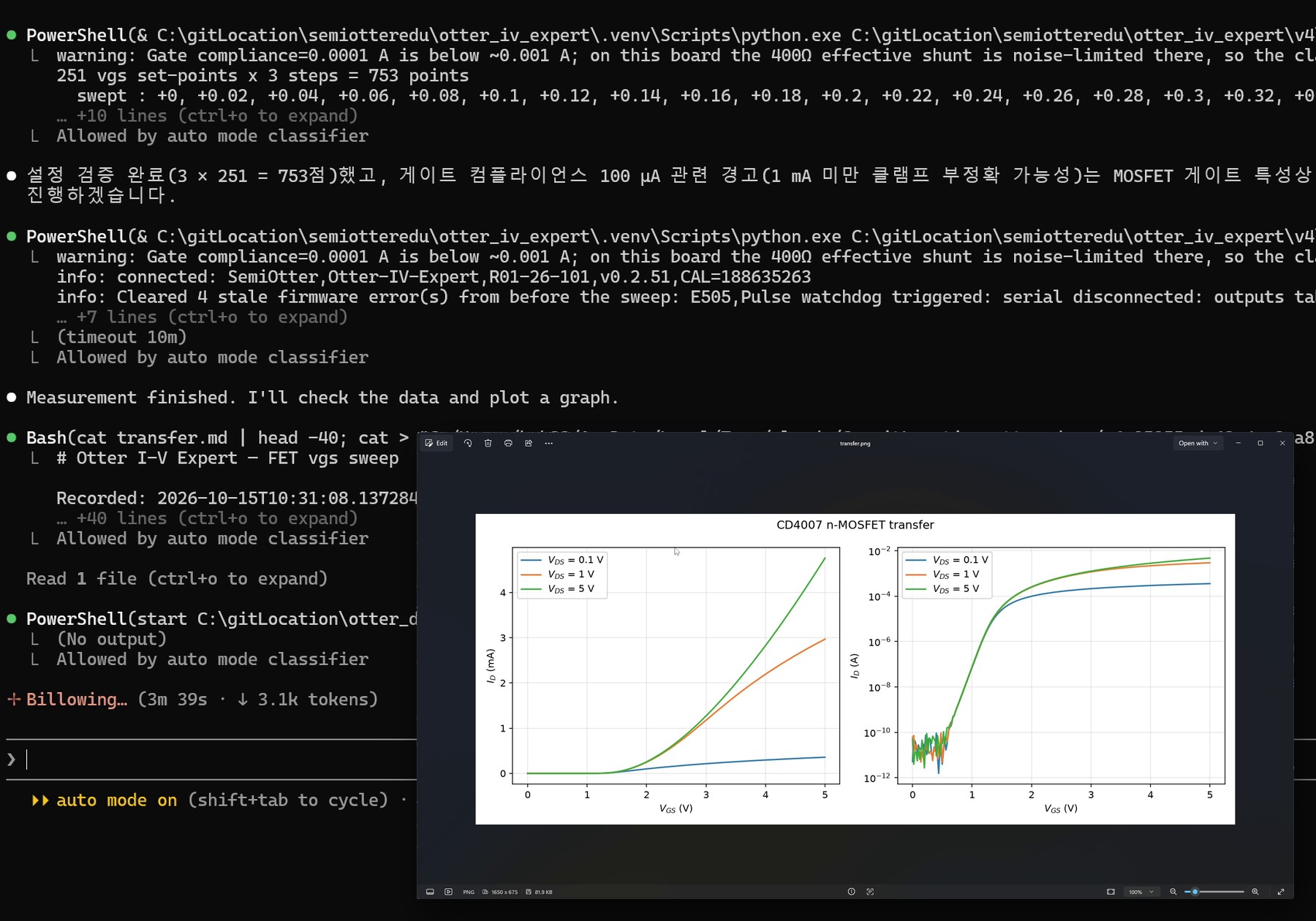
For research · latest version
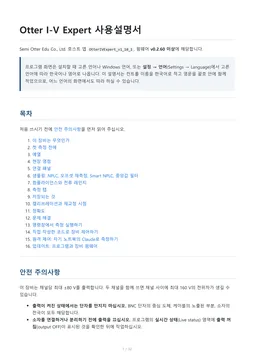
OTTER I-V EXPERT software
v1.10.3 · 31 October 2026 · firmware v0.2.60
Download for Windows64-bit installer · about 58 MB- Windows 10 · 11
- 64-bit
- USB-PD power (45 W or more)
- USB data
- Korean · English
What is new in this version
- On AUTO range, the first point of a low-current measurement no longer jumps by a few nA (most visible on the FET gate current).
- How many readings are discarded after the output turns on is set under Settings → AUTO range: discard first reads (5 by default).
- The firmware stays at v0.2.60, so there is nothing to reflash.
- Run the installer. If “Windows protected your PC” appears, click More info and then Run anyway.
- Power the instrument from a USB-PD charger (45 W or more), connect it to the PC with the USB cable and click Connect. Let it warm up for about 30 minutes and take the field zero before measuring.
- From v1.7.0 the software announces new versions and new firmware itself, so there is no need to come back to this page.
AI friendly · command set
Measure from the command line, an AI agent or your own code
All three come with the installer above; there is nothing else to install. Paste the guide below into your AI tool and it can use the commands straight away. This page carries the public edition without the calibration and diagnostic commands; the full edition comes with the instrument.
Command line (CLI)
The same program measures without opening a window. It runs the same code as the tabs and saves the data with a measurement record (.md). Nine measurement types are supported.
OtterIVExpert.exe cli list
OtterIVExpert.exe cli iv --v-start -1 --v-stop 1 --v-step 0.1 --csv out.csv
AI agent (MCP)
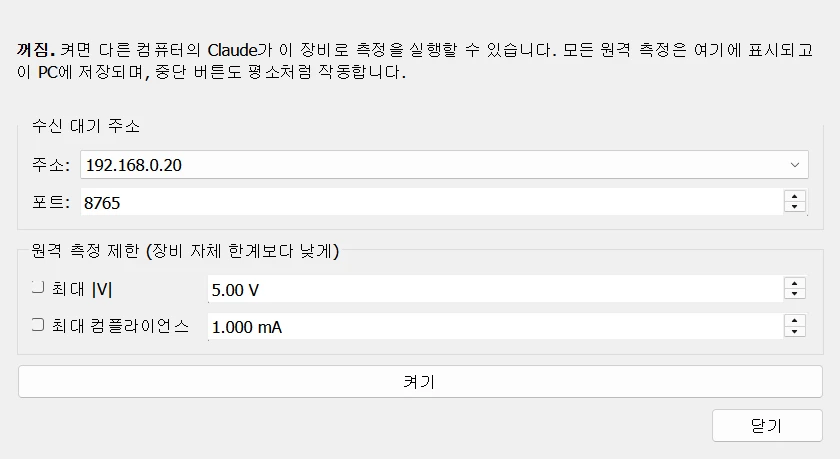
Turn on Remote → Remote control in the program, and Claude on a laptop in the same lab network can run measurements on request. The program itself enforces the voltage and current limits.
install folder\claude_desktop\otter-iv-expert.mcpb
→ drag it onto the Claude Desktop window
Your own code (SCPI)
The instrument speaks SCPI over a USB virtual COM port, so Python, MATLAB or LabVIEW can all control it.
*IDN?
:SOUR1:VOLT 1.0
:OUTP1 ON
:READ1?
The full edition, with the calibration, identity and diagnostic commands, comes with the instrument. If you did not receive it, write to sales@semiotteredu.com.
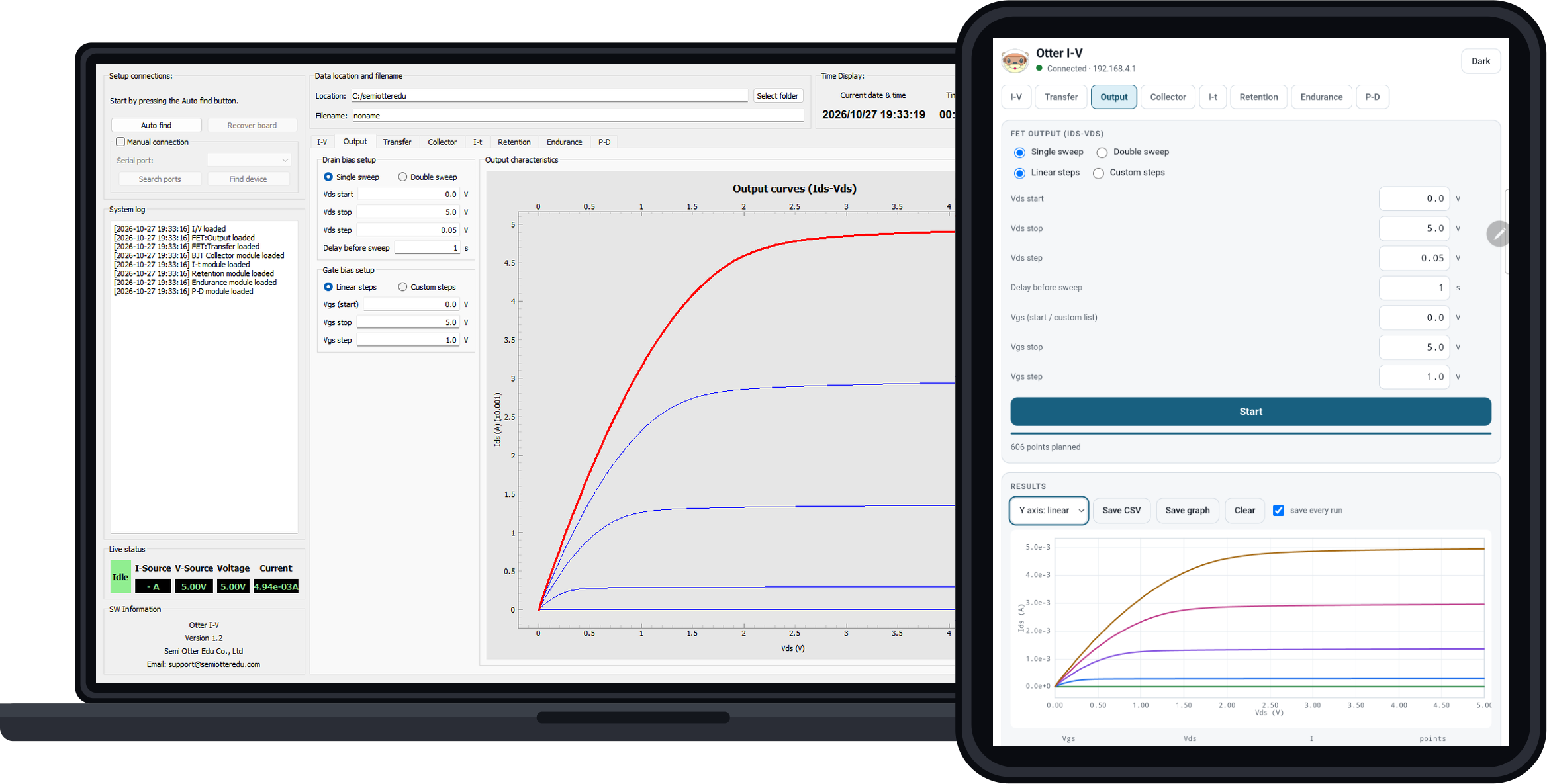
For teaching labs · latest version
OTTER I-V software
v1.2 · eight measurement routines (including memristor)
Download for WindowsInstaller · about 40 MB- Windows 10 · 11
- USB-C power · data
- USB-A on the PC side
- csv auto-save
One USB-C cable (USB-A on the PC side) carries power and data; no separate power supply.
Nothing to install. Join the instrument’s Wi-Fi and open 192.168.4.1 in the browser.
Brochures · manuals
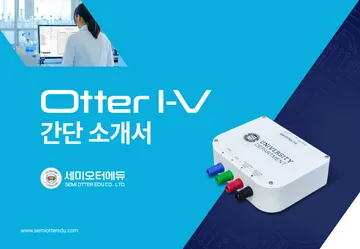
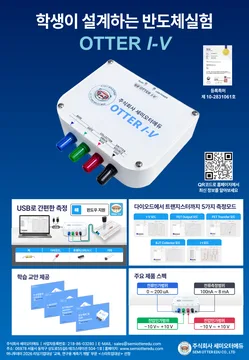
All are PDF files in Korean. Lab handouts are under Lab handouts.

Considering the instruments for your lab?
We arrange demonstrations, quotations and technical support for OTTER I-V and OTTER I-V EXPERT.